Vantapix

Fast Social Graphics

The quickest AI tools for turning an idea into a finished social post.

For regular social content, speed and templates matter more than perfect image fidelity. These tools keep generation and layout close together, so you can make quick AI graphics for social media and publish fast, even with no design skills.

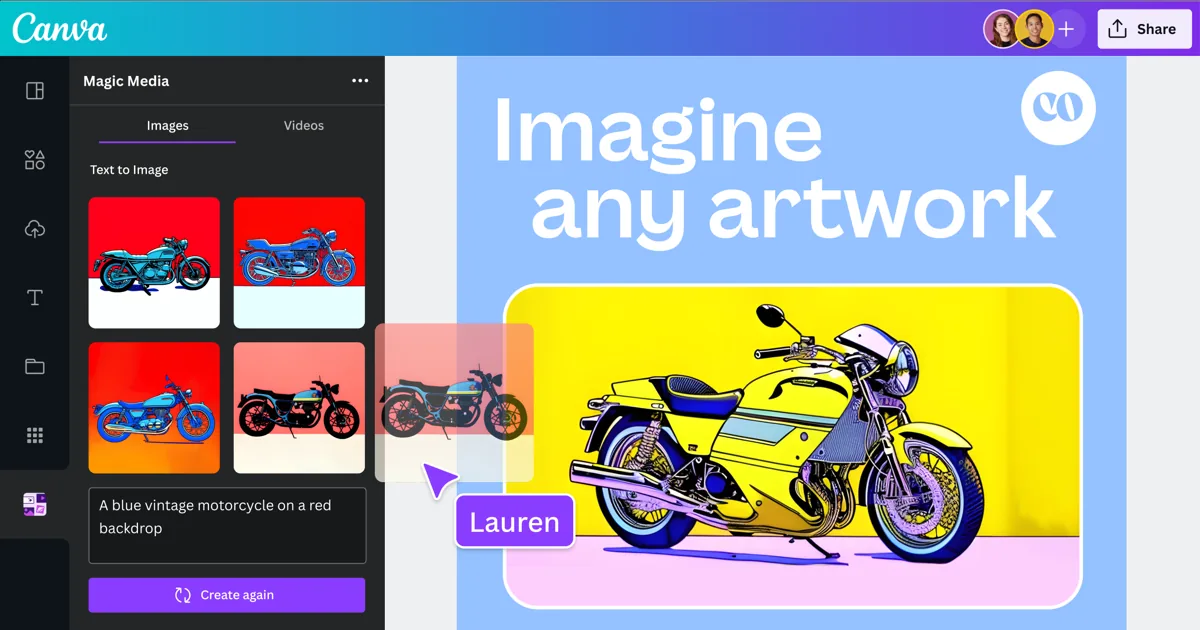
Canva Magic Media AI image generation example

Our pick

CvCanva (Magic Media)

All-in-one design platform with built-in AI image generation — the appeal is staying in one tool from idea to finished graphic, not best-in-class image quality alone.

Best for fast, template-driven social and marketing graphics where speed matters more than precise creative control.

  • Generation and layout in one app
  • Large template library
  • Easy for non-designers

Weakness: There is no iterative refinement, so a near-right result needs a new prompt, and photorealistic output is a recurring weak point.

Free: 50 lifetime AI generations. Pro (~$15/mo): 500 generations/month plus additional AI tools.

The full ranking

Compared using official documentation and aggregated user reviews. Each tool carries one stated weakness.

Canva Magic Media AI image generation example

Rank 1

CvCanva (Magic Media)

All-in-one design platform with built-in AI image generation — the appeal is staying in one tool from idea to finished graphic, not best-in-class image quality alone.

Praised for ease of use for non-designers, its large template library, and keeping AI generation inside the same app as the rest of the design workflow.

Weakness: There is no iterative refinement, so a near-right result needs a new prompt, and photorealistic output is a recurring weak point.

Free: 50 lifetime AI generations. Pro (~$15/mo): 500 generations/month plus additional AI tools.

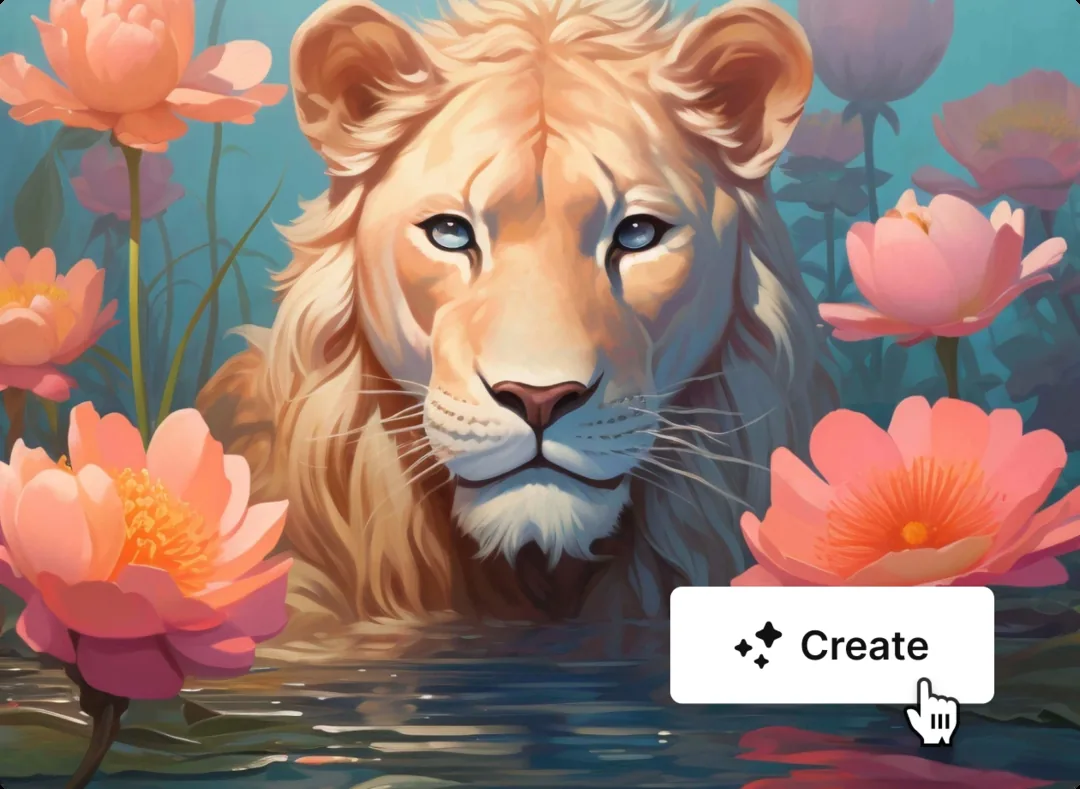
Freepik AI image generation example

Rank 2

FpFreepik AI

AI generation and editing bundled into Freepik's existing stock-asset library.

A convenient, low-cost fit for regular content needs, especially for teams already using Freepik's stock library.

Weakness: Credit-based pricing makes costs hard to predict, and some users report inconsistent quality on specific edits.

Credit-based. Essential ~$5.75/mo; free tier includes 20 generations/day.

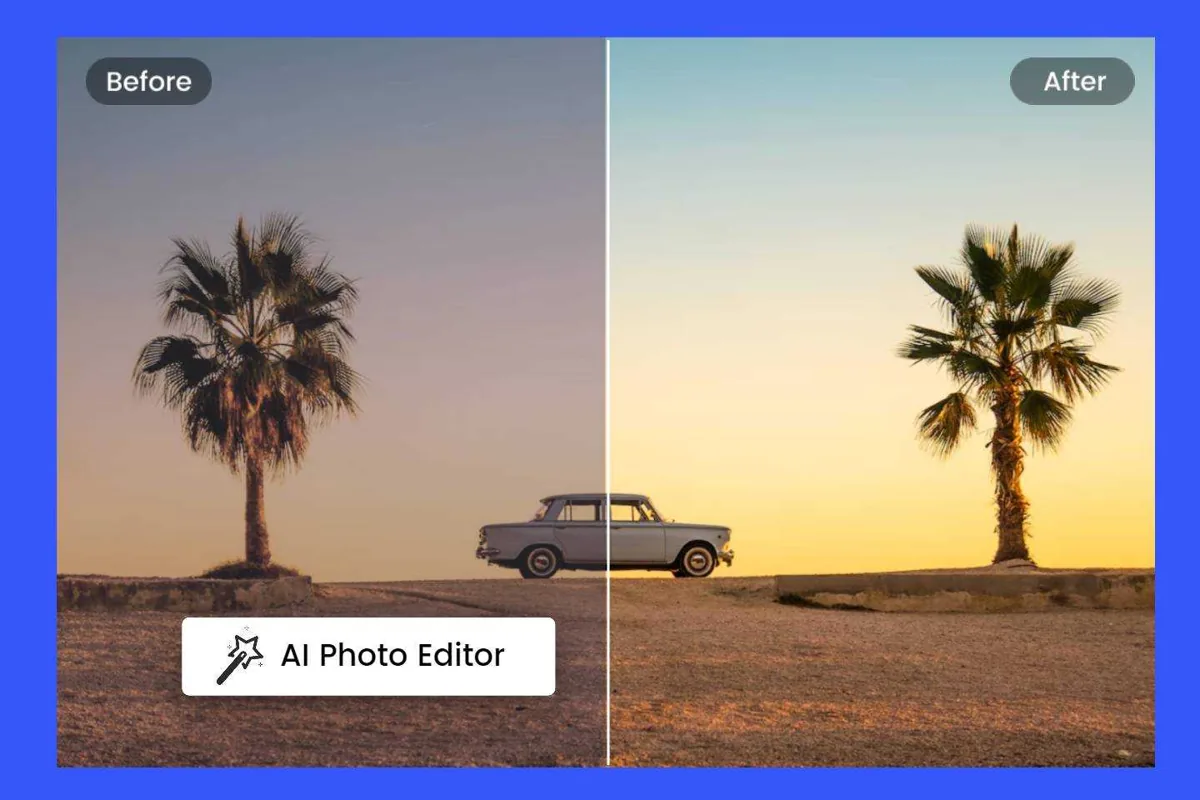
Fotor AI photo editing example

Rank 3

FoFotor

Photo-editing suite with AI generation layered in, oriented around quick edits rather than dedicated generation.

Widely rated easy to use, and good for combining generation with quick everyday edits.

Weakness: Results are sensitive to prompt wording and often need several attempts, and some users find it pricey for occasional use.

~$8.99/mo (Pro).

Common questions

Can I make social media graphics with AI if I have no design skills?

Yes. The tools here pair image generation with ready-made templates and layouts, so most of the design decisions are handled for you. You mainly pick a format, describe what you want and adjust text.

Which AI tool is fastest for Instagram and TikTok posts?

Tools that keep generation and layout in one editor are usually quickest, because you do not need to move images between apps. Our top pick above is ranked on that workflow.

Can I use AI-generated social graphics for my business account?

Usually, but terms differ by tool and plan. Check the licensing section of each tool's official terms before using images in paid promotion.

Links in this comparison are labelled with whether they earn us a commission. Positions are never sold. How we test · Affiliate disclosure